For independent bakers & custom-order bakeriesFor custom-order bakeries
Custom orders, from first request to pickup.Custom orders. Request to pickup.
Stop piecing order details together from DMs. Give customers one place to send what they need, then review, quote, check payment and keep pickup together in BakeDesk.Share your page in DMs. Manage requests, quotes, payment checks and pickup.
Free during beta. No approval required.
Customer sideCustomer / What they ask for
Baker sideBaker / The same request ↓

Alex’s birthday cake
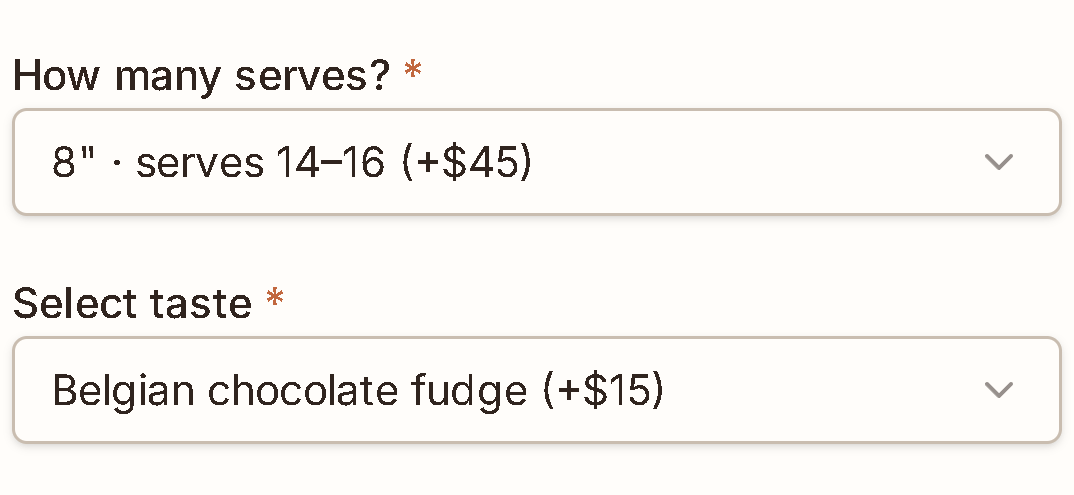
14–16 serves. Chocolate. Oct 17, 10am.Alex’s cake. Same date. Same details.
Your bakery receives the request in BakeDesk, ready to review and quote.
Actual BakeDesk UI · One illustrative order · Cropped for presentation
The conversation / The recordA conversation is not the record
DMs are for the conversation. The order needs a record.Keep DMs for conversation. Give orders a home.
A revised serving count. The exact lettering. A design further up the chat. The final pickup time.The guest count changes. The exact lettering matters. The design reference is higher in the chat.
Keep talking in the DMs. Send your order-page link when it is time to gather the request.
- Customer
8–10. Chocolate, please.
- Later
Actually, make that 14–16.
- Customer
Lettering: “Happy birthday, Alex!”
- Customer
Same pale pink design I sent above.
- Later
I sent the deposit!
- Baker
Was pickup 10am or 2pm again?
Illustrative DM conversation. BakeDesk does not automatically import or read your DMs.
Send your order-page link when it is time to gather the request.
Customer / Your order pageCustomer / One page to share
Give every request one place to land.
Share one order page in your bio or send it in a DM. Customers fill in the details you would otherwise ask for one by one.Share it in your bio or in a DM. Customers fill in the details you would otherwise ask for one by one.
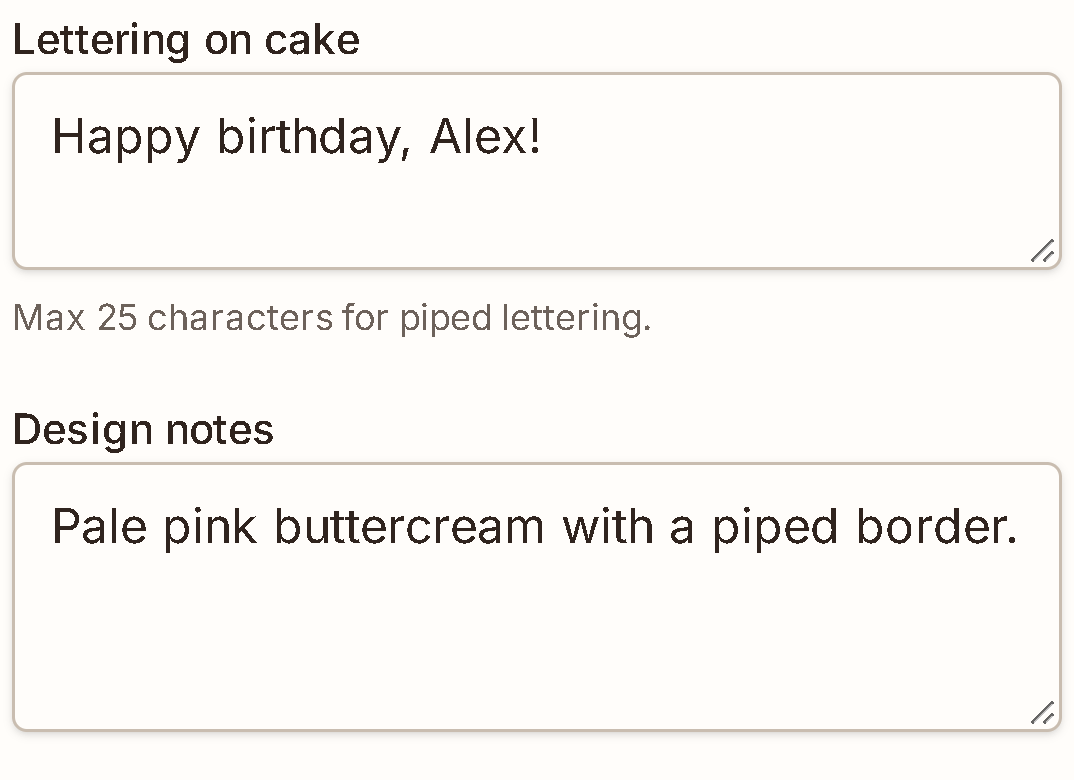
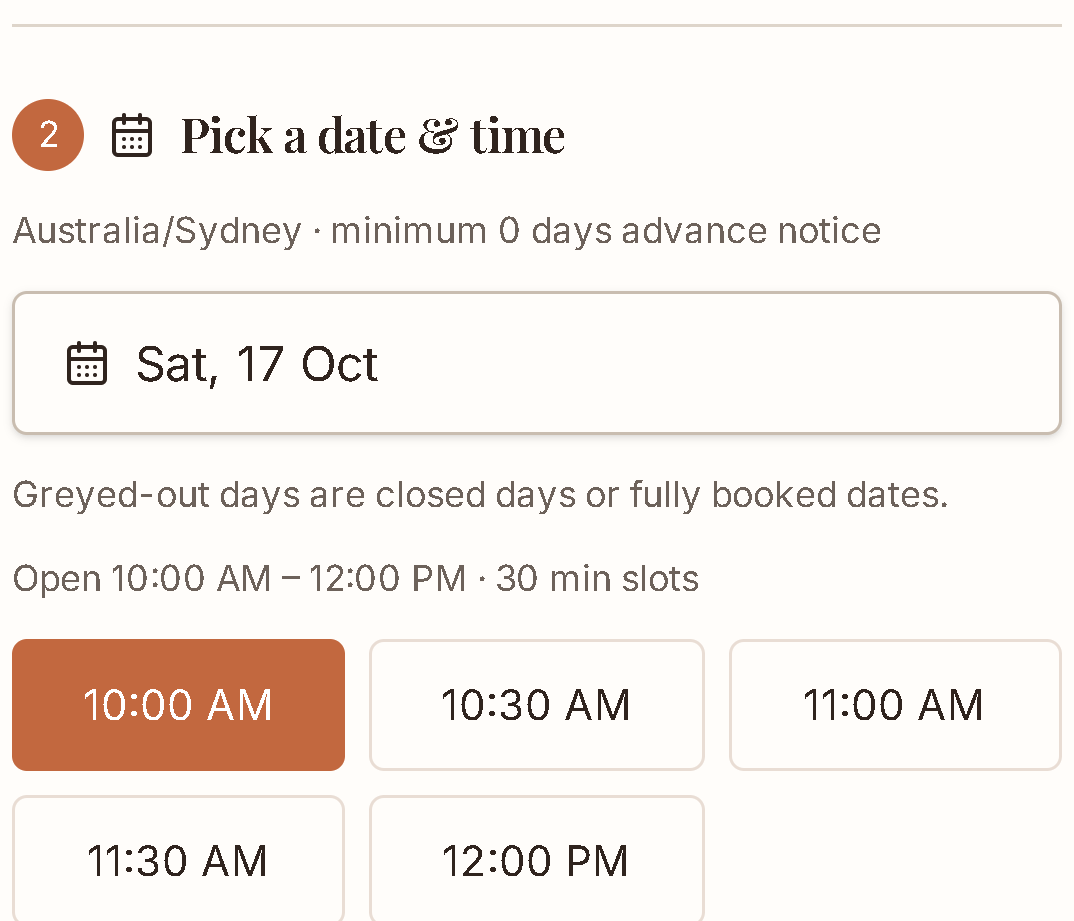
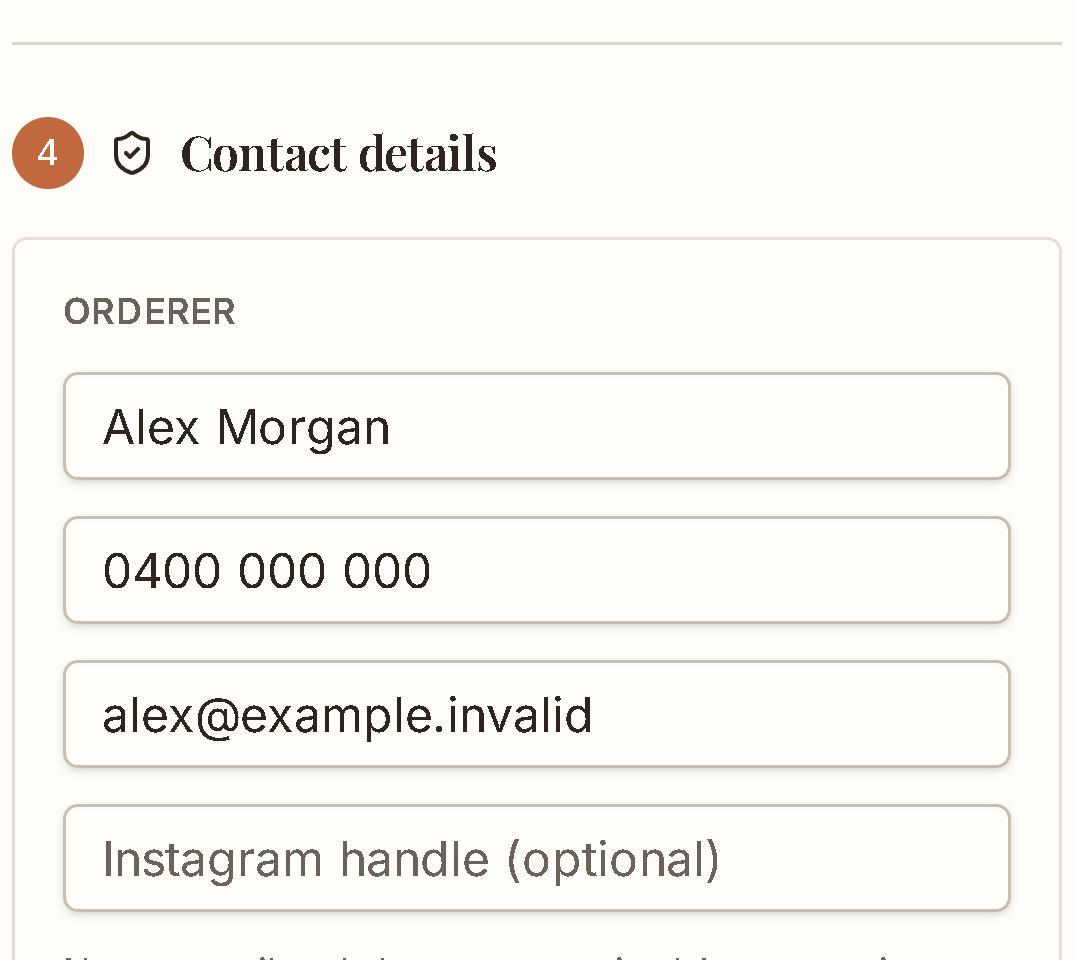
Separate excerpts from the same actual form. No fields or controls have been redrawn.Actual form excerpts. The serving count and flavour are shown in the opening example.
Baker / The same request
Already organized on your side.
Alex’s name, pickup time, servings, flavour and design notes stay with the request.Alex’s pickup, servings, flavour and design notes arrive together, ready for your review.
No scrolling back through old messages before deciding what to make or what to quote.

The request is only the beginning
Request. Quote. Payment check. Pickup. One order the whole way through.One order the whole way through.
Request. Quote. Payment check. Pickup.
01 / Review
Review what they sent.Review what they sent.
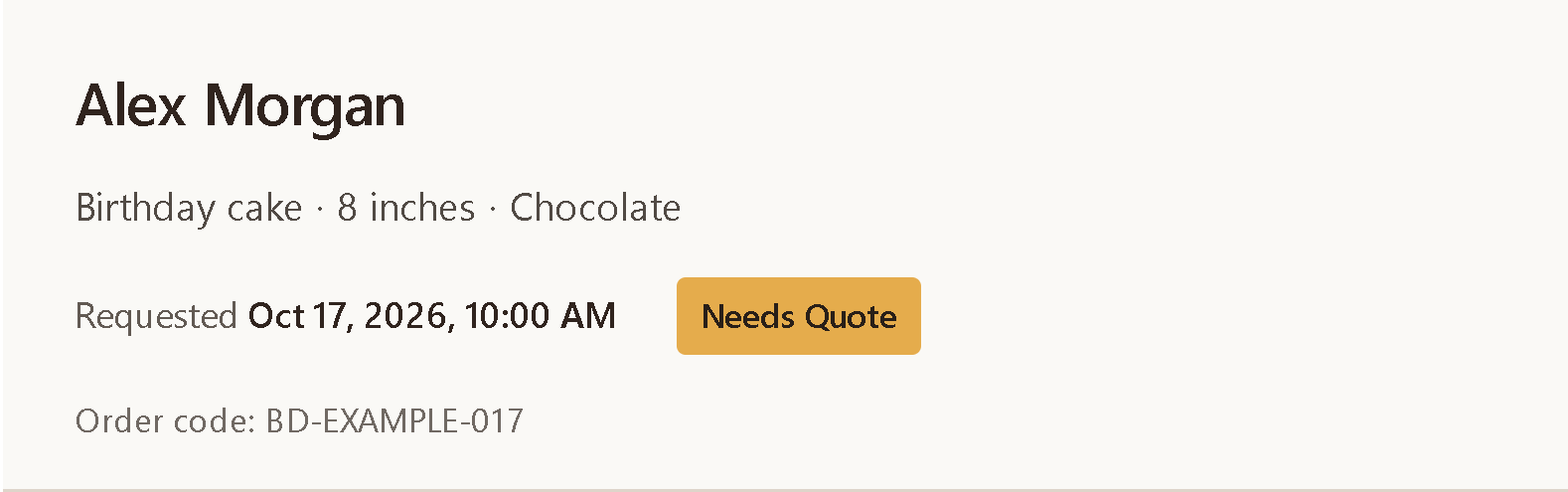
Check the date, design and contact details before deciding what you can make.
02 / Quote
Set your quote.Set your quote when you’re ready.
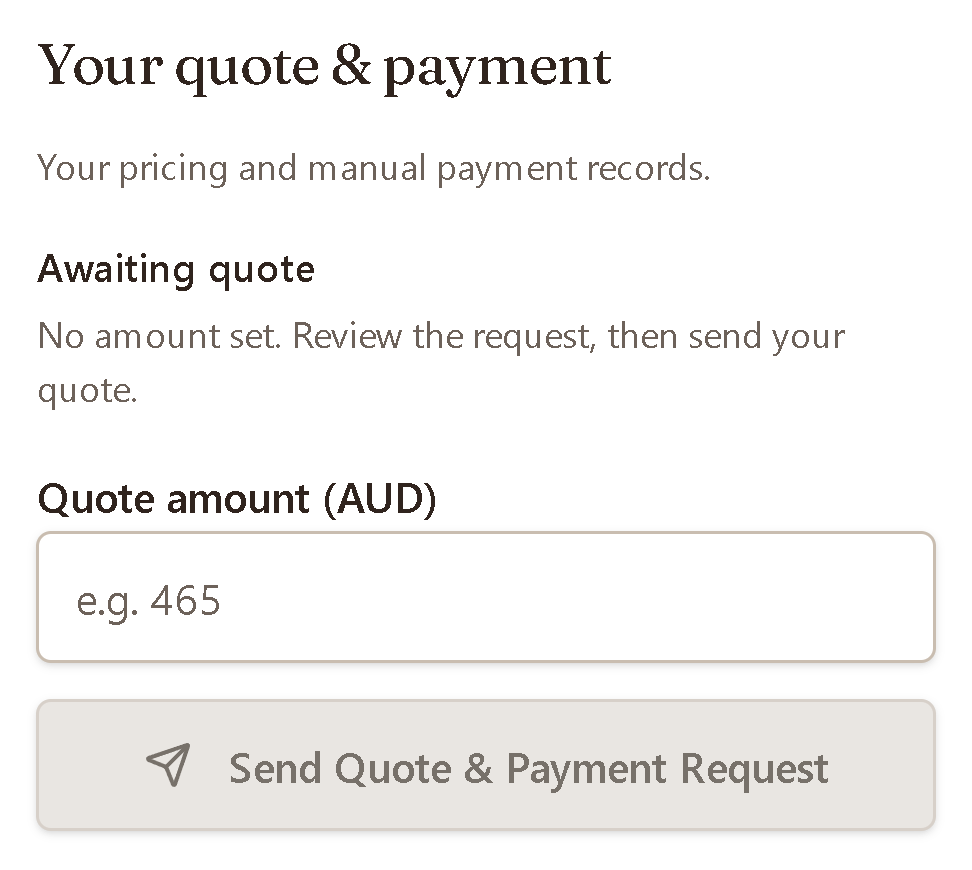
Keep the customer request with the order while you decide the price.
03 / Payment check
Confirm the transfer yourself.Check payment yourself.
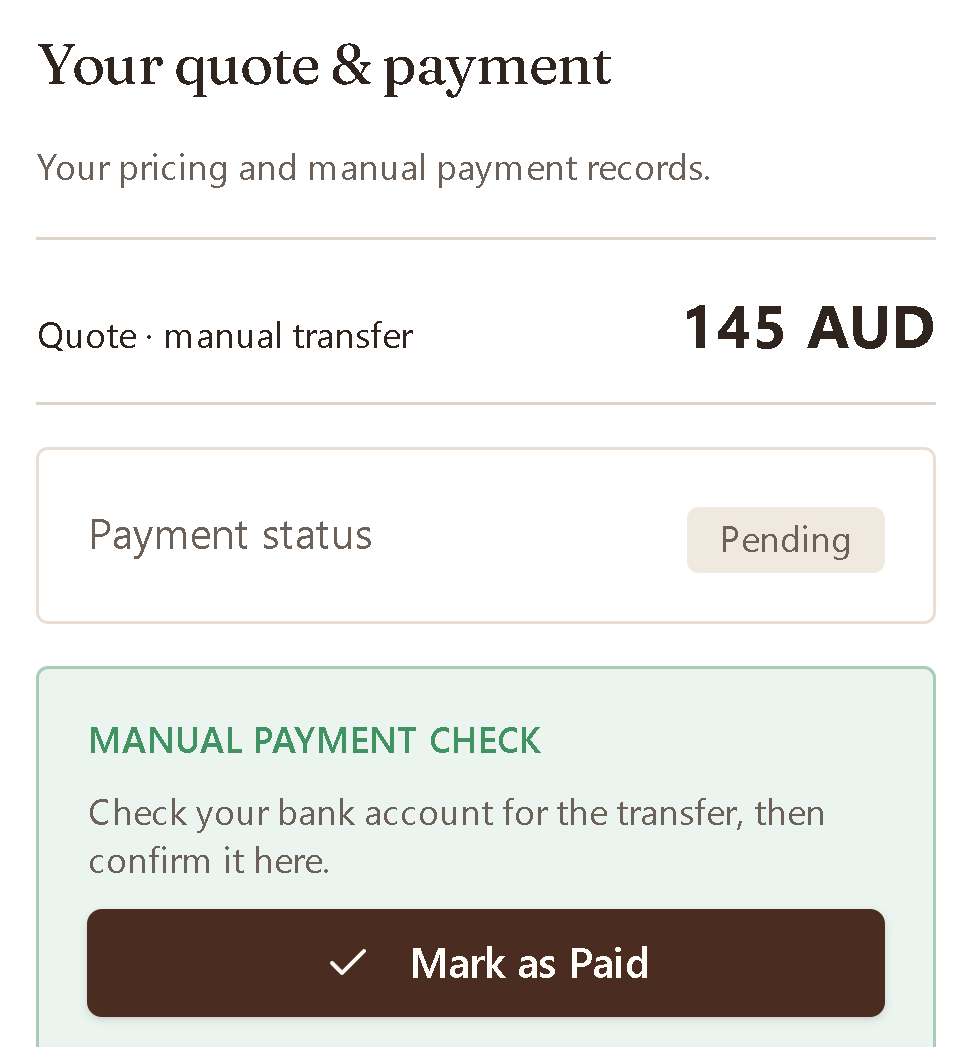
BakeDesk records payment status. The money still moves through the payment method you already use.
Check your bank account before marking the order paid.
04 / Pickup
Keep pickup with the order.Keep pickup organized.
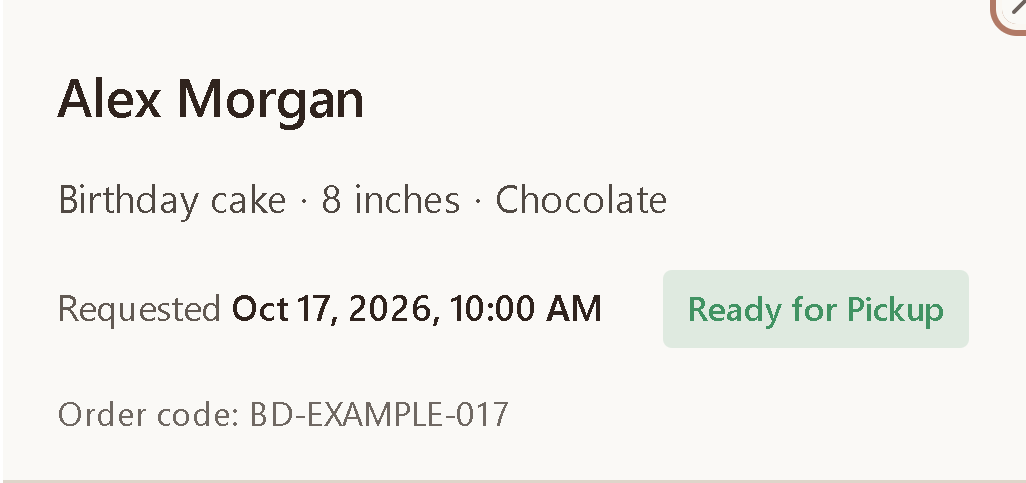
The date and time stay with the request as it moves toward pickup.
Actual UI states shown with example data. No quote, payment confirmation or order status was saved.
Your customer experience
Your bakery stays on the customer side.
Your shop name and order details lead the page. You can add your own cover photo. BakeDesk stays behind the workflow.
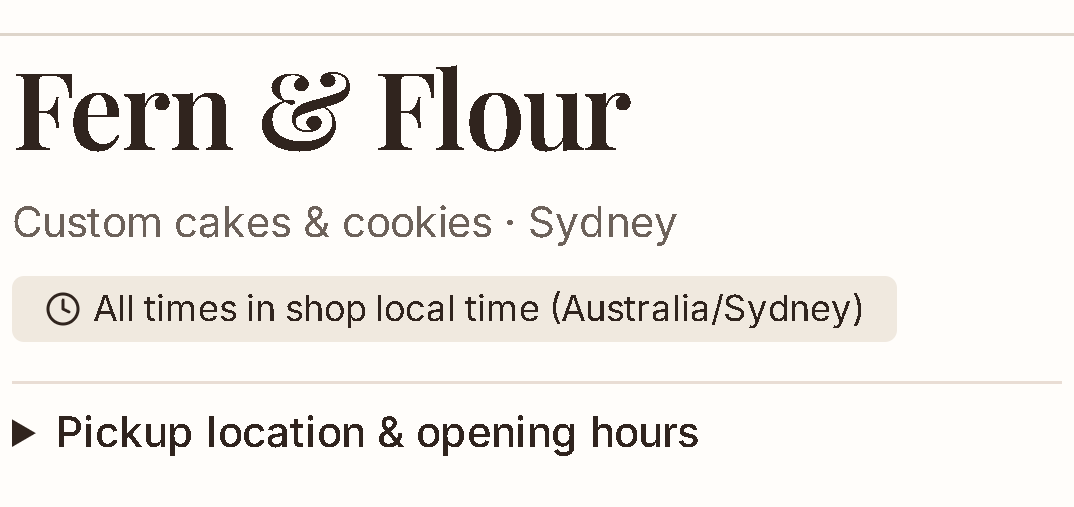
Your shop name and details lead the page. Add your own cover photo when you’re ready.
Free during beta
Create your order page.
Set up your shop and order form, then share the link with your customers.
Free during beta. Continue with Google. No approval required.